Rokoko hardware tools work hand in hand with Rokoko Studio software.
Motion capture with Rokoko
What is motion capture (mocap)?
Motion capture is the process of digitally recording human movement that can be applied to 3D character models or used for research, analysis, real-time interaction and much more. It's a key technology in animation, game dev, VFX, VR/AR, and in many other verticals.
Rokoko is one of the leading all-in-one motion capture systems for creators and studios - affordable, and easy to use, no cameras required.
Rokoko mocap tools are used in multiple industries
Whether you’re a solo animator, indie studio, or large production team, our tools are built to help you animate faster and more affordably - without compromising quality.
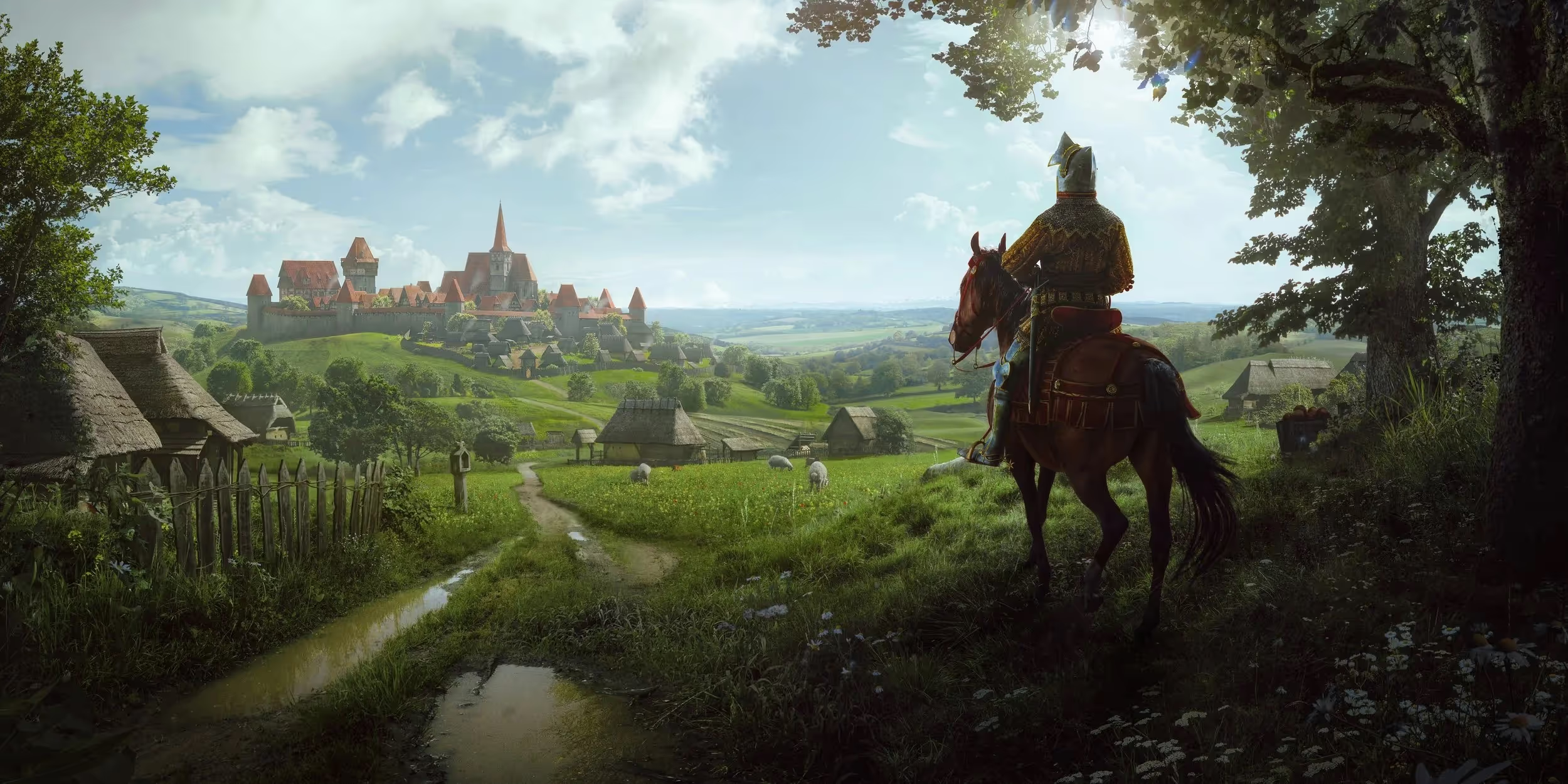
Games, AR & VR
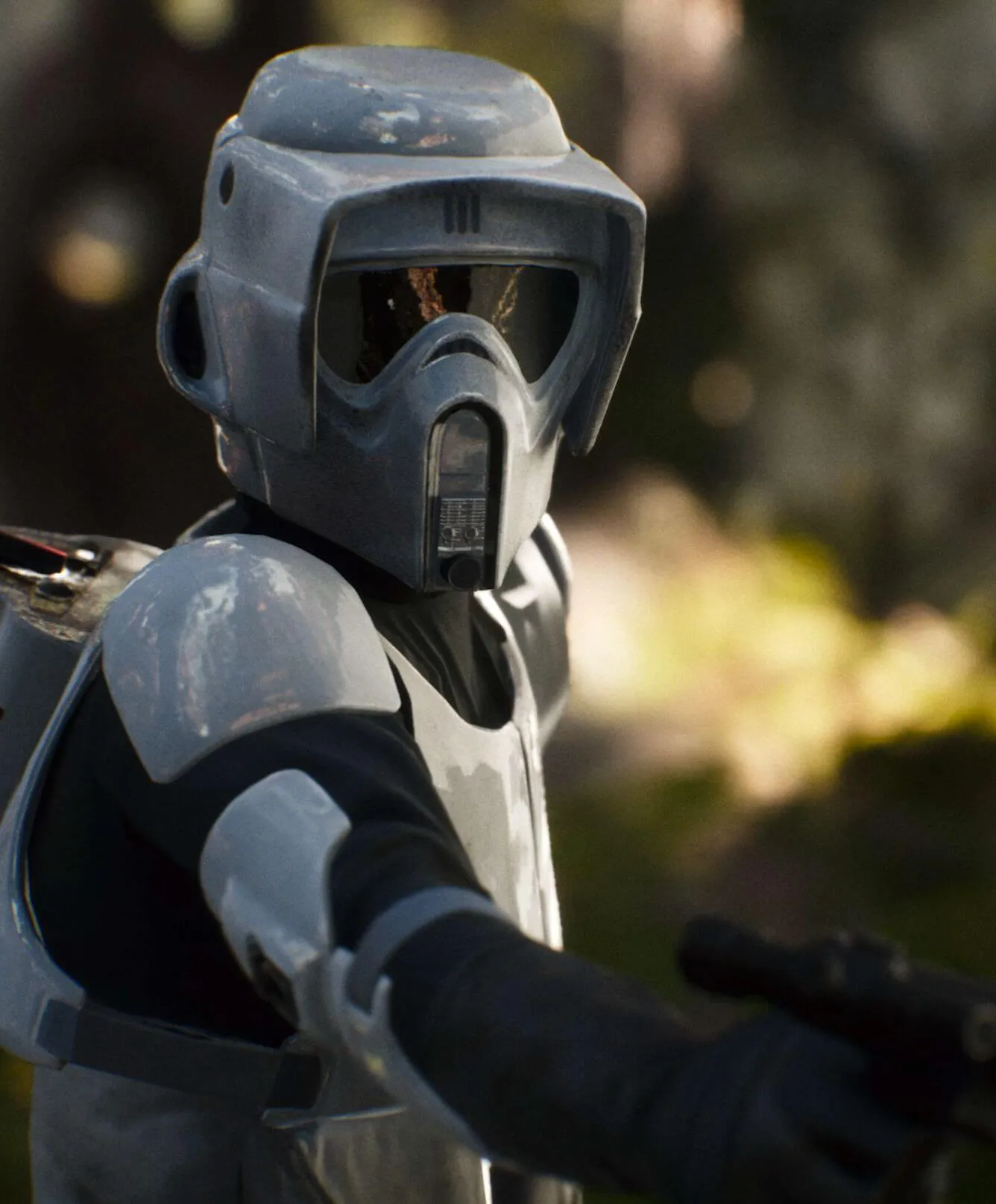
Animation, Film & VFX
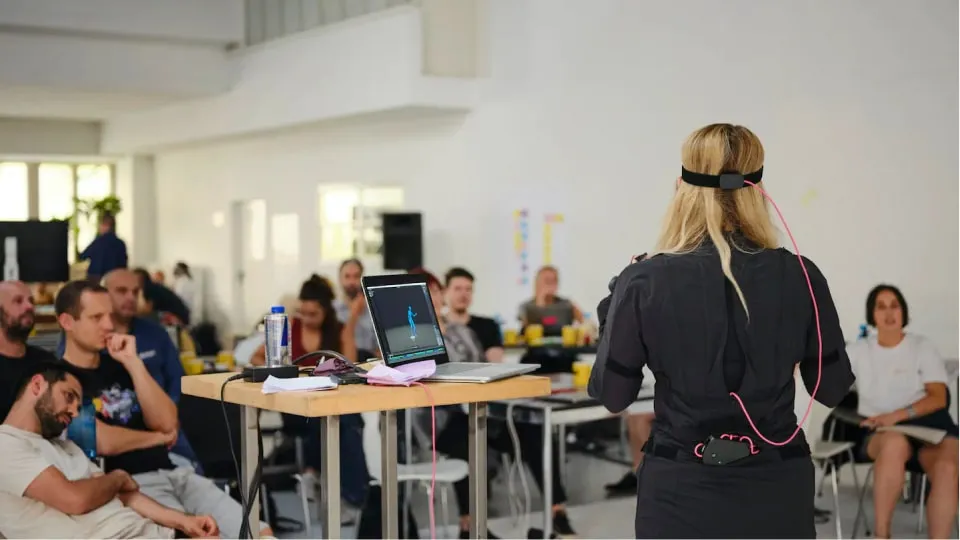
Education
.avif)
Robotics & research


Why choose Rokoko motion capture?
Easy setup and capture
Get up and running in minutes. Rokoko gear is designed for speed and simplicity - just put it on and start capturing.
Portable and camera-free
Our battery-powered gear is completely wireless, so you can capture in any environment without cameras or dedicated studio space.
Unlimited recordings for free
With our Studio software you can create unlimited recordings and exports - no limits to your capture.
Global creator community
Rokoko community is comprised of more than 250,000 creators that support and help each other along the way.
Explore Rokoko mocap hardware
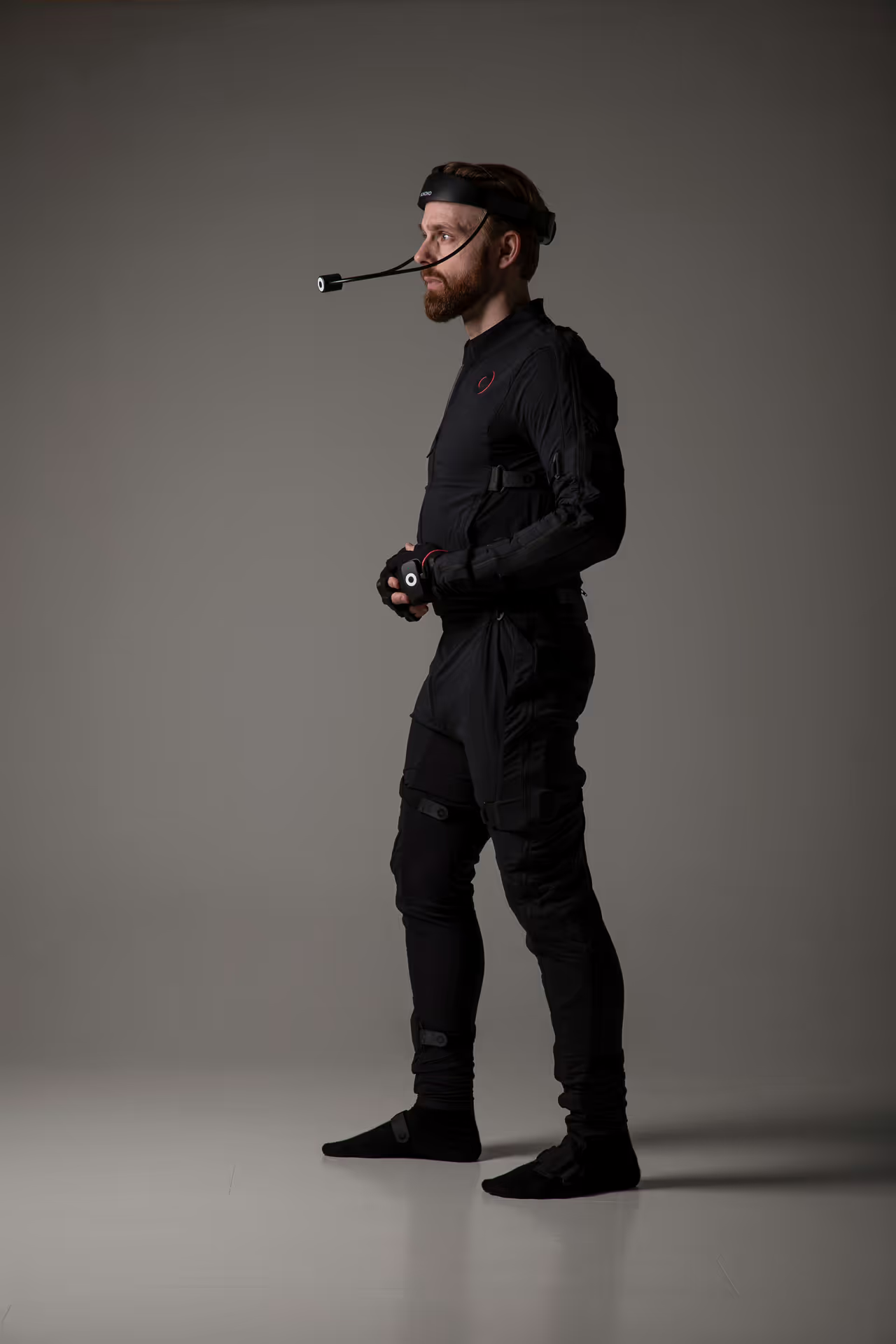
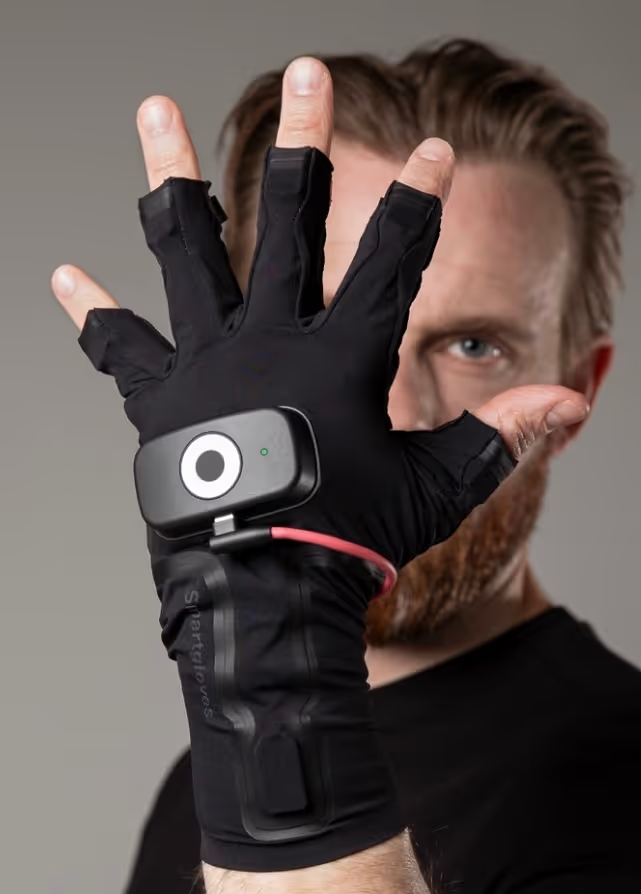
Easy plug in and capture experience with Smartsuit Pro II and Smartgloves II.
Track full body and finger motions
Smartsuit Pro II: motion capture suit with inertial measurement unit technology (IMU), used for full body tracking.
Smartgloves: High quality motion capture gloves for intuitive and precise finger motion tracking, through a fusion of EMF and IMU sensors.
- Both products are available in S-XL size range
- Including a 1-year warranty
Refund guarantee: risk-free 30-day trial
Rokoko face capture tools
Headcam: lightweight, professional head-mounted camera with USBC.
Headrig: adjustable head mount designed to accommodate a phone for face capture.
- Headrig works well with any phone-based face capture.
- Headcam works seamlessly with MetaHuman Animator.
Refund guarantee: risk-free 30-day trial
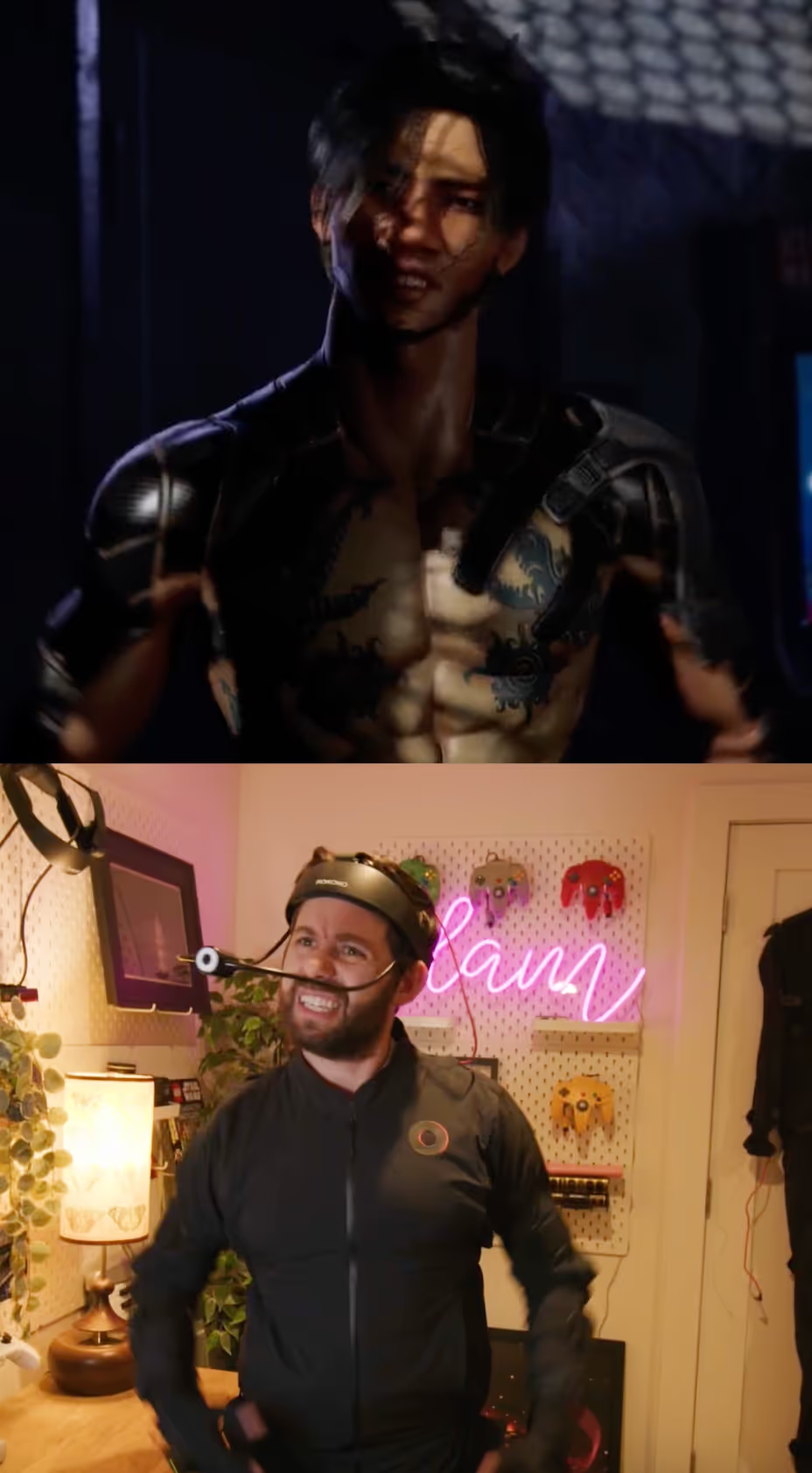
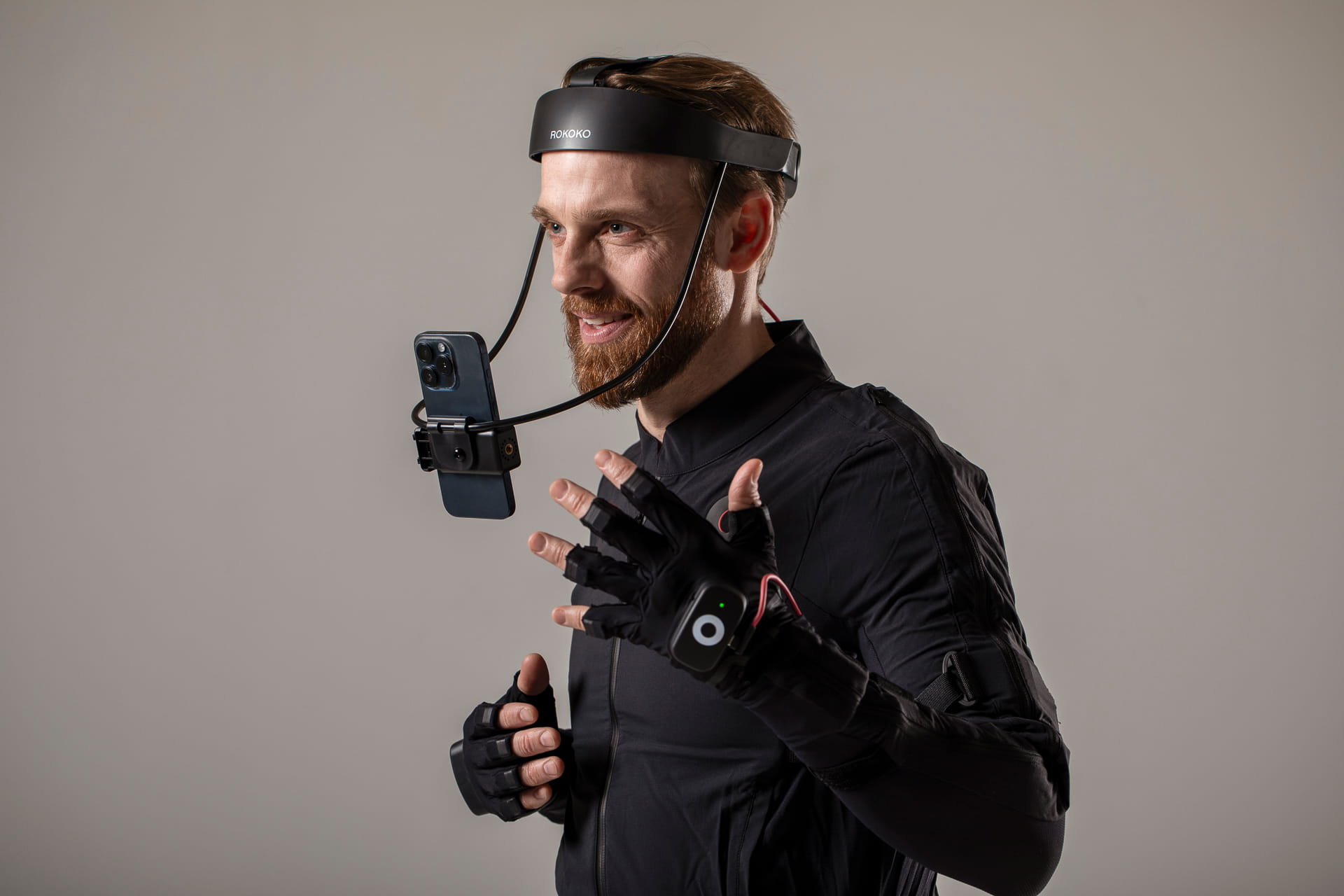
Create rich face expressions with Rokoko face capture tools - Headcam and Headrig.
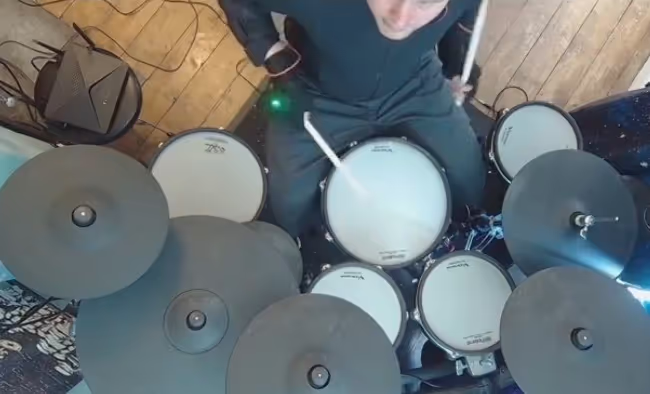
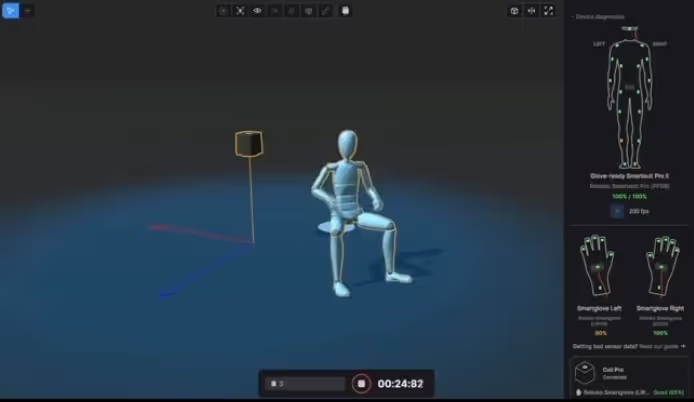
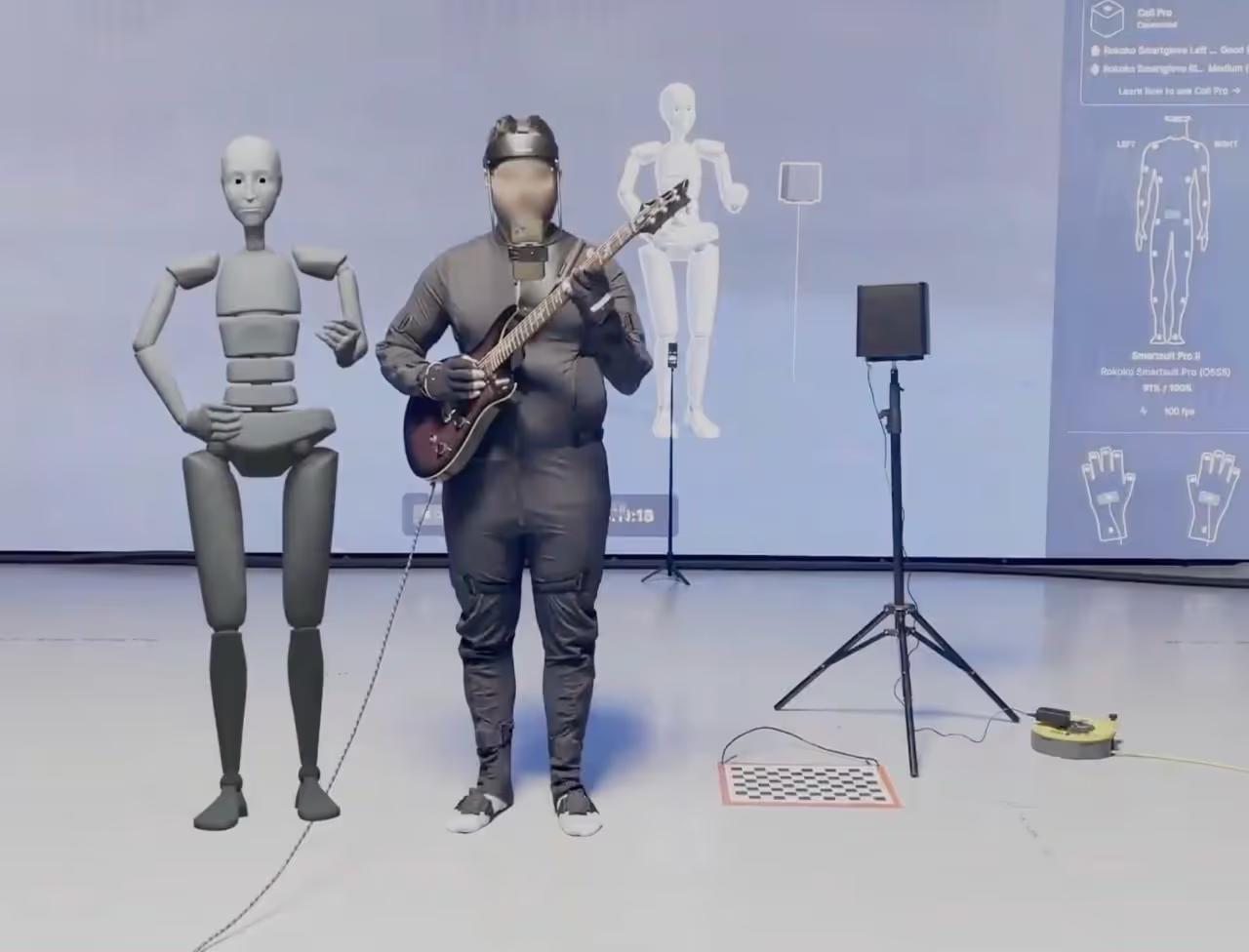
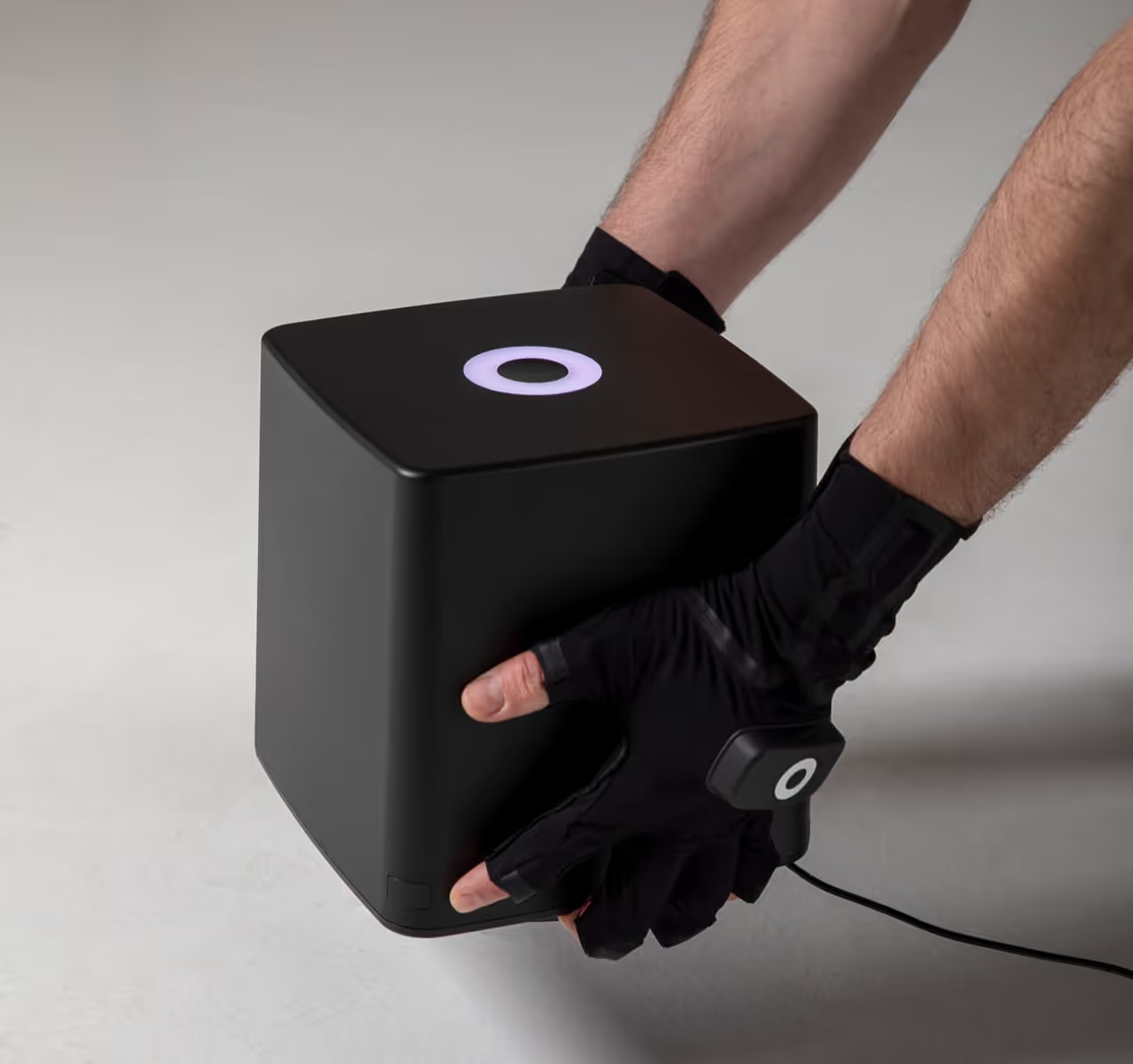
Next-level precision in finger tracking
Give your suit and gloves absolute root position in space and transform your finger capture workflow by combining Smartgloves with Coil Pro, a system specifically designed to deliver high-fidelity finger and hand tracking.
- No drift, no occlusion
- Real-time global positioning for hands and fingers
- No cameras or markers needed
Refund guarantee: risk-free 30-day trial
Record and edit your motion capture in Rokoko Studio


Connect Rokoko Full Performance Capture mocap tools for body (Smartsuit Pro II), finger (Smartgloves) and face capture (Face Capture app), or use Rokoko Vision video-to-animation AI mocap, and capture your motions within minutes, at home, in a studio or even outside
A new animation system allows manipulation of mocap animation data through retargeting, custom character import and pose correction tools. Use Rokoko Studio software as your one-stop shop for all your character animation needs.
Send the mocap animation data of the Smartsuit Pro, Smartgloves and Face Capture in real-time to your favourite 3D software, including Unreal Engine, Unity, Blender, Maya, Cinema 4D, Houdini, MotionBuilder and iClone, thanks to our native integrations
Use intuitive filters in Rokoko Studio, on real-time mocap data or on saved recordings, to enhance the quality of the animations if needed. Filters include root locking, foot locking changes, elevation tracking, knee pop smoothing and more.
Export your mocap animations from Rokoko Studio to .FBX or .BVH, including industry compatible skeleton preset options (Human IK, Mixamo etc.), mesh export and custom export overrides.


Rokoko Vision AI: Free AI mocap
Use your webcam or upload a video to capture your motions in 3D and animate your characters in minutes.
Choose between a single or two camera motion tracking setup, for a better motion capture quality.
Rokoko vs other motion capture solutions
Read more about motion capture
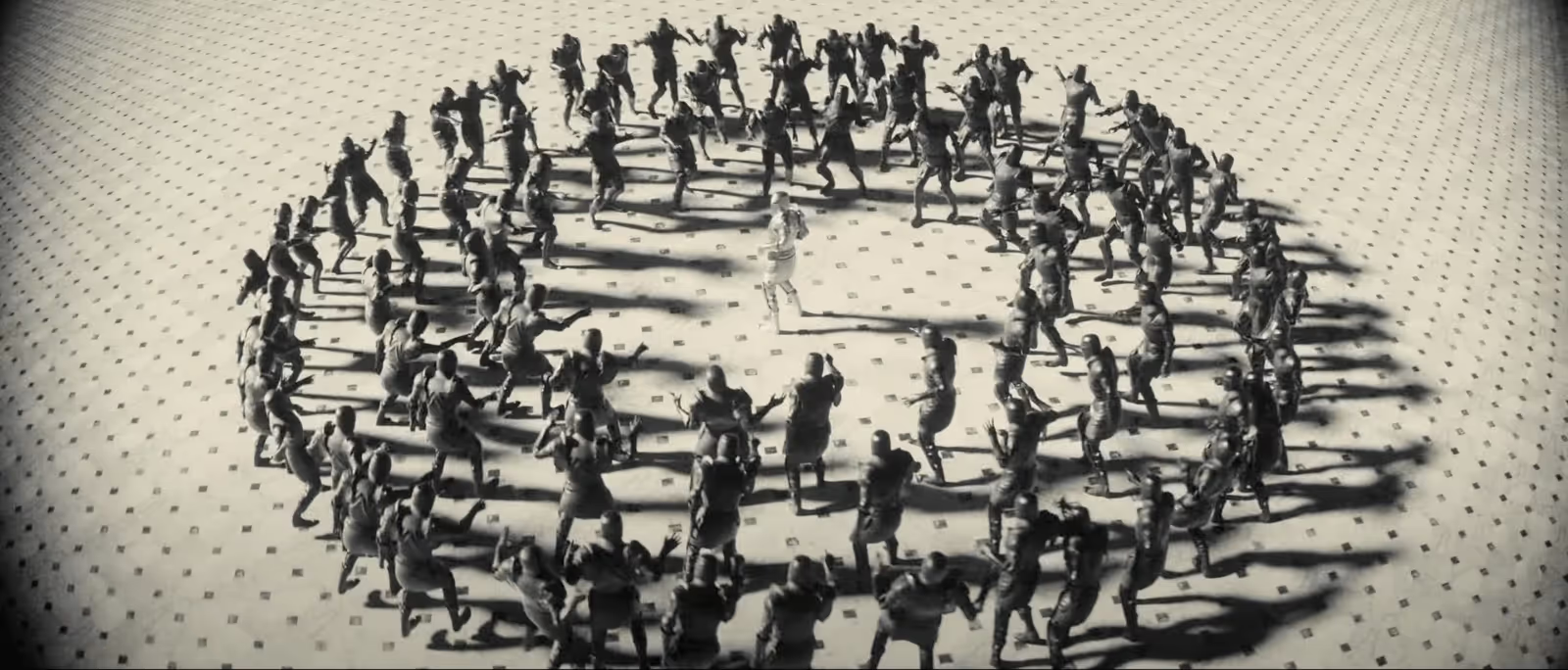
Sensor-based suits and gloves vs. Camera-based AI Vision
What is the optimal motion capture system for schools and education?

Best face capture solution for animation (2025)
Frequently asked questions
Can't find what you're looking for? Shoot us an email at support@rokoko.com
What is motion capture (mocap)?
Motion capture is a technique used to record the movements of a person and use that data for various use cases like animating a digital 3D character. It's commonly used in video games, animation, virtual production, film, VR/AR, biomechanics, health, and robotics. Rokoko provides both hardware and software mocap tools to make this technology accessible to creators of all levels.
How does Rokoko motion capture work?
Rokoko’s motion capture system uses IMU (Inertial measurement unit) sensors in its Smartsuit Pro II and Smartgloves to track full-body and finger movement. For facial capture, we offer camera-based options like the Rokoko Headcam or Headrig for capturing facial motion capture . All data is processed in Rokoko Studio and can be exported or streamed live into your favourite 3D software i.e. Blender, Unreal Engine, Unity, Maya and many more. Here is a list of all our third party integrations.
What makes Rokoko different from other motion capture systems?
Rokoko offers wireless, portable, and easy-to-use mocap gear that doesn’t require external cameras or studio space. It’s more affordable than traditional optical systems or other IMU based suits and integrates directly with popular 3D tools like Blender, Unreal Engine, Unity, Maya, and more. See all the integrations here.
Can I use Rokoko mocap at home?
Yes! Rokoko mocap gear is designed to be portable and wireless, so you can capture motion in your living room, office, or even outdoors. All you need is your suit, gloves, wifi, and a laptop or PC running Rokoko Studio.
What is the difference between Rokoko and camera-based AI motion capture?
The Smartsuit Pro II uses IMU sensors for real-time, accurate full-body tracking, where no cameras are needed. AI-based mocap tools (like Rokoko Vision AI, move.ai) use video footage and are best for quick testing or simpler animations that don’t need real-time visualization. Oftentimes, camera-based AI motion capture (especially multi-camera setups) has a limited capture time and is more expensive in the long run depending on usage. For professional work or production-ready data, we recommend using motion capture hardware tools for better performance. You can read more about the comparison of IMU-based motion capture hardware versus AI-based camera systems here.
Let's get started with Rokoko
Watch this quick demo to see how our mocap tools work together - or book a personal session with our experts for guidance on your setup.
Rokoko full performance mocap demo video.


